BrainyBee never enters your school. It gives your directresses control of what happens after pickup — short, curriculum-aligned activities built on the same Montessori materials they already use.
No tablets in class, ever. Nothing about your classroom changes. Teachers assign from a dashboard in under two minutes.
Activities happen at home, on the parent's phone, replacing entertainment time that was already happening.
Ten to fifteen minutes, then it stops. No feeds, no autoplay, no ads, nothing engineered to keep a child scrolling.
Number rods, bead stairs, the colour wheel, continent maps. Not cartoon rewards — the same concrete, sequential materials your directresses already trust, made assignable.
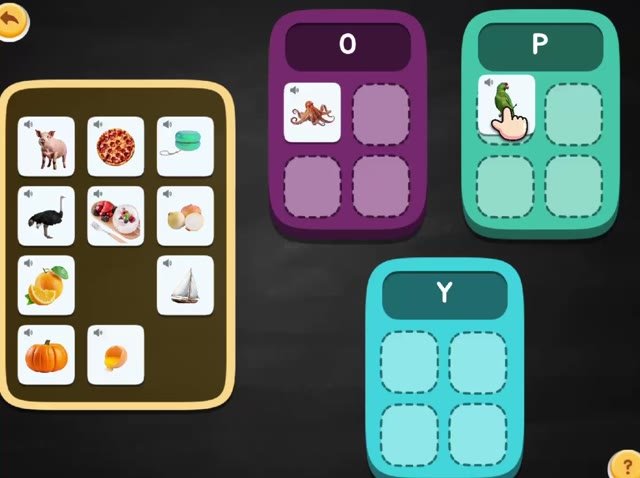
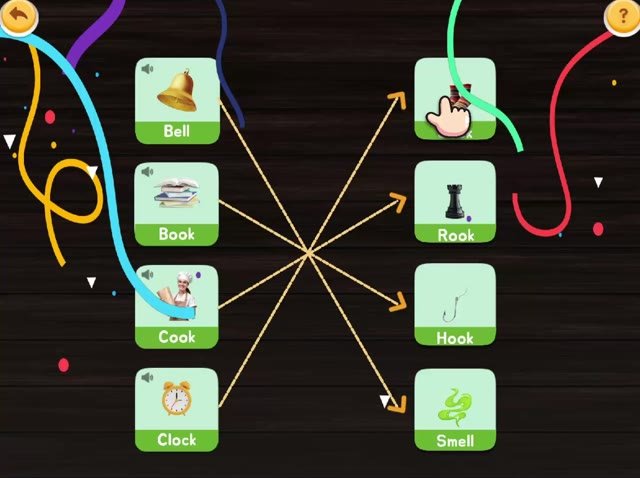
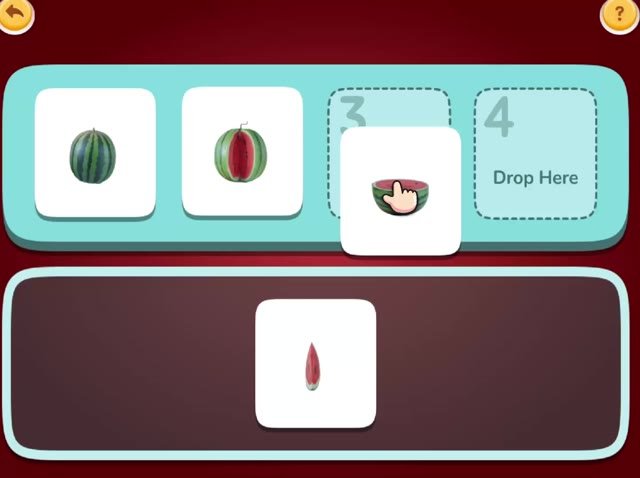
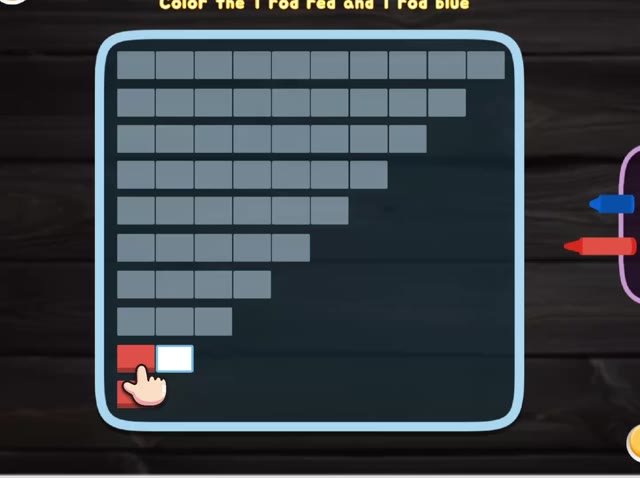
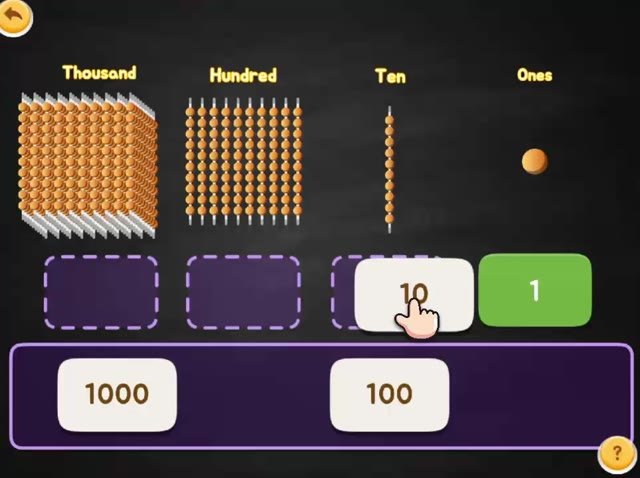
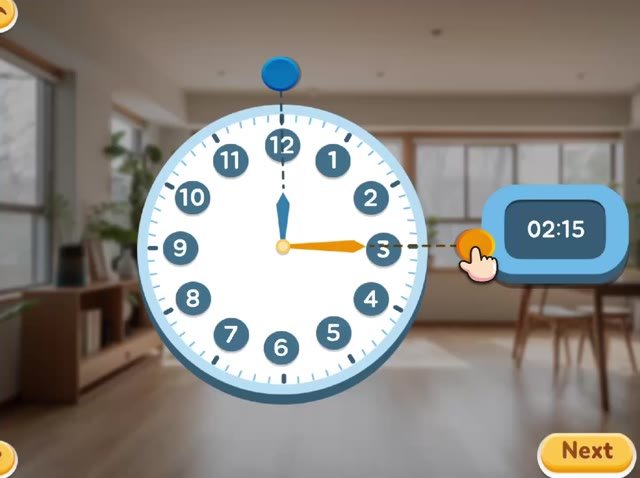
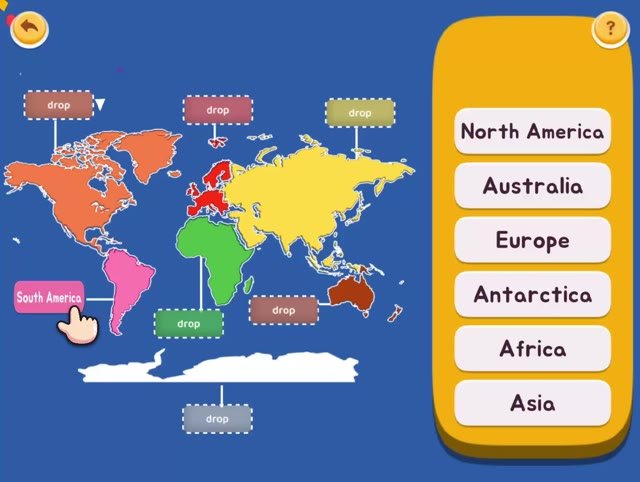
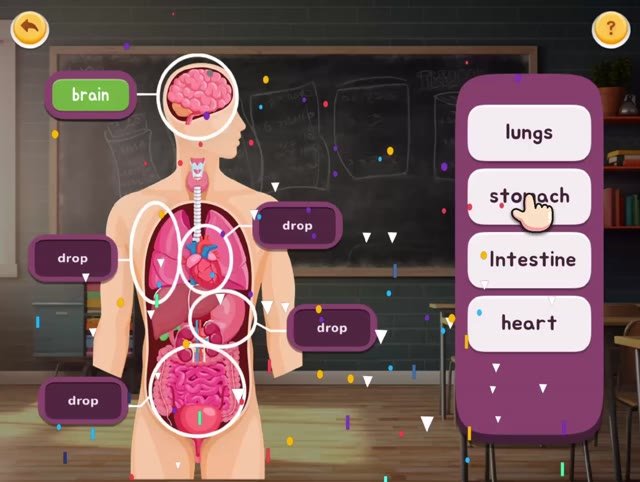
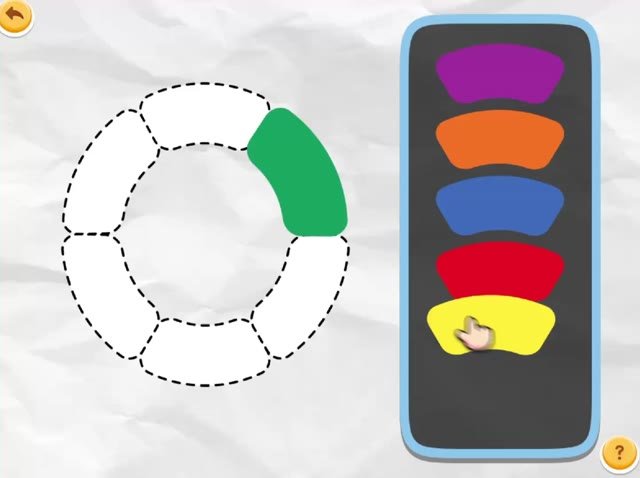
Nine of 177 shown. Every activity is available to every classroom from day one — nothing to unlock, nothing to buy inside.
A three-page brief for school owners, drawing on the Indian Academy of Pediatrics, WHO, AAP and the UK EPPE longitudinal study. It covers what the guidelines actually say about ages two to five, why interactive beats passive by a measurable margin, and why the home learning environment outweighs parental income.
Download the brief (PDF) Read onlineThe directress sees the classroom and where to intervene. The parent sees their own child and one gentle next step. No family sees another family.
Dashboard views are design previews. Figures shown are from a BrainyBee demonstration classroom, not a client school.

I built BrainyBee after watching the same thing happen in preschool after preschool: careful, deliberate work between 9 and 3, then nothing until the next morning. The activities are built on the physical materials Montessori classrooms already trust, because that continuity is the entire point.
If your school pilots BrainyBee, you'll be talking to me — through onboarding, through the three months, and after.
One rate, per child, per month. Onboarding and directress training included. You decide what happens next using your own data, not a sales pitch.
Run it in one or two classrooms or across the school. Full access from day one.
Whole-school access priced against your enrolment, so a six-classroom school and a twenty-classroom school each pay something sensible.
No. Never. BrainyBee does not enter your classroom at all — your school stays completely screen-free. Teachers assign from a dashboard in under two minutes, and the activity happens at home on the parent's phone.
It is replacement, not addition. Indian under-fives already average 2.22 hours a day, mostly autoplay video. A BrainyBee session runs ten to fifteen minutes and then stops, with no feed, no ads and nothing to scroll. The research brief above covers this in full.
Under two minutes a day. Directresses pick from a ready library of 177 activities mapped to their theme. No content creation, ever.
Their own child only: what was assigned, what was practised, and one gentle next step in plain language. No family sees another family's data.
₹299 per child per month for three months, with onboarding and directress training included. Your founding rate is held for the first year.
Activity data belongs to your school. No ads, no in-app purchases, no third-party trackers, no open internet. Ask for the full data note before you pilot.